Filing annual accounts with Companies House
A4O Accounts builds your annual accounts from your posted books, tags them in iXBRL and files them with Companies House. You can preview the tagged accounts and send a test before filing for real.
Before you start
- On the company: Registration Number, Company Type, the filing contact’s name and email, and the authentication code.
- Only a company’s managers can submit.
- Group (consolidated) accounts aren’t supported yet.
1. Create the filing
- Go to Accounts & filing → Companies House and click New Submission.
- Enter the Period Start and Period End.
- Choose the Accounts Type: Micro Entity (FRS 105), Small Company (FRS 102 Section 1A), Full Accounts, an audited medium or large company, or Dormant Company.
- For small and full accounts, pick a Filing Format: filleted (no profit and loss on the public record), full, or abridged.
- Fill in Approved by the Board, Signed by and both Average employees fields. The accounts can’t be built without an employee figure.
- Click Preview to see the iXBRL accounts (this saves a draft), or Save Draft.
2. Check and submit
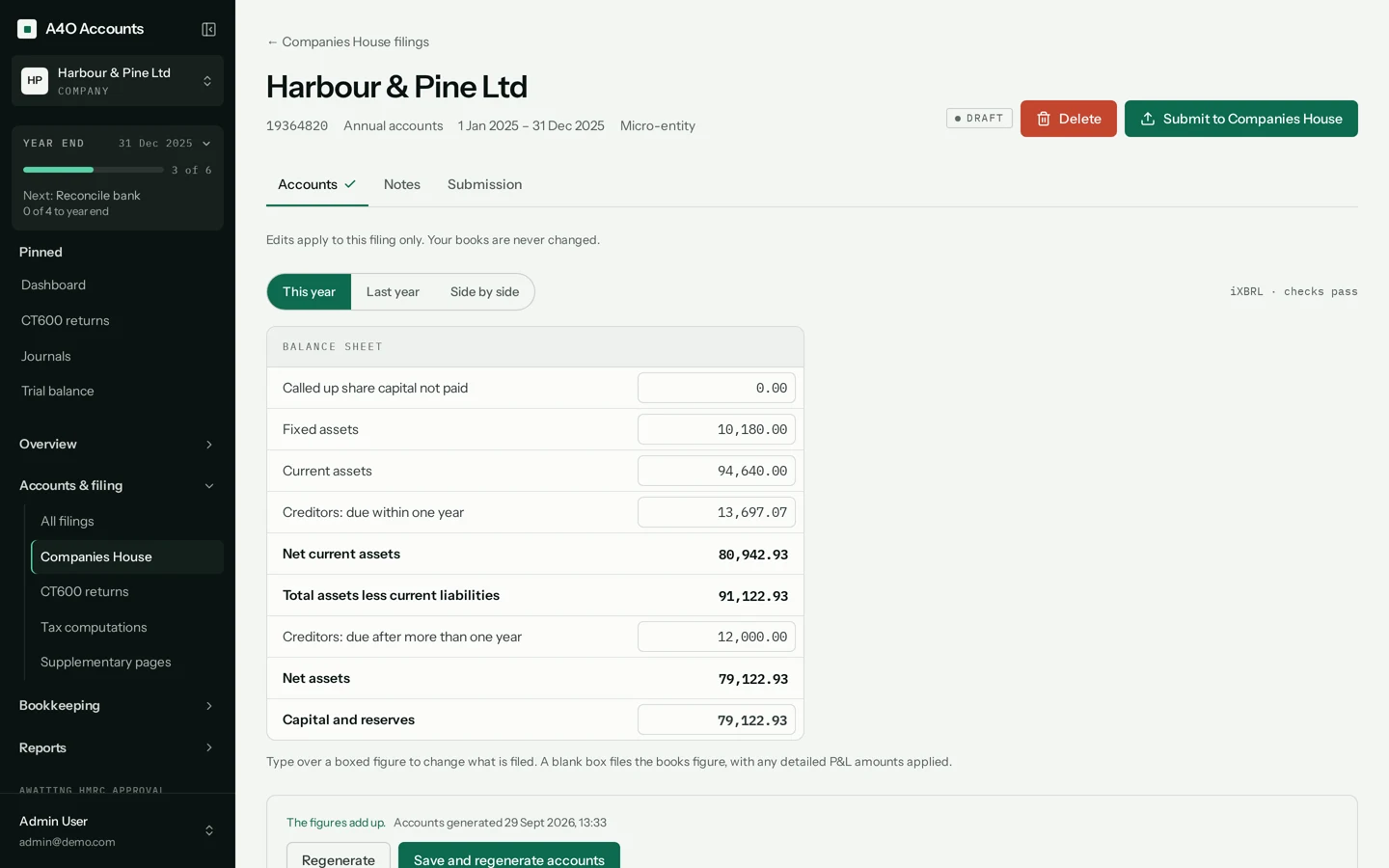
- Open the filing and read through Accounts and Notes.
- Click Submit to Companies House. Leave the Company authentication code blank to use the saved one.
- Leave Test Mode ticked for a practice run. The filing is marked “Test only: nothing was filed”, and Reopen as draft brings it back to edit.
- To file for real, untick Test Mode. If the dialog asks for Presenter ID and Authentication value, enter your Companies House presenter details. They’re used for this submission only.
3. After you submit
The filing moves from Submitted to Accepted or Rejected. Companies House reviews filings itself, so acceptance can take a while. Use Check status to see where it’s got to.