From bookkeeping to filed returns, with one set of figures.
Your books feed your statutory accounts, and your accounts feed your Corporation Tax return. Here’s each step, as it looks in the app.
Keep your books
Import a bank statement and check the account suggested for each line. Nothing reaches your books until you post it.
- CSV, Excel and OFX statements, and the layouts of several UK banks
- Invoices, expenses and journals in the same ledger
- Bank reconciliation
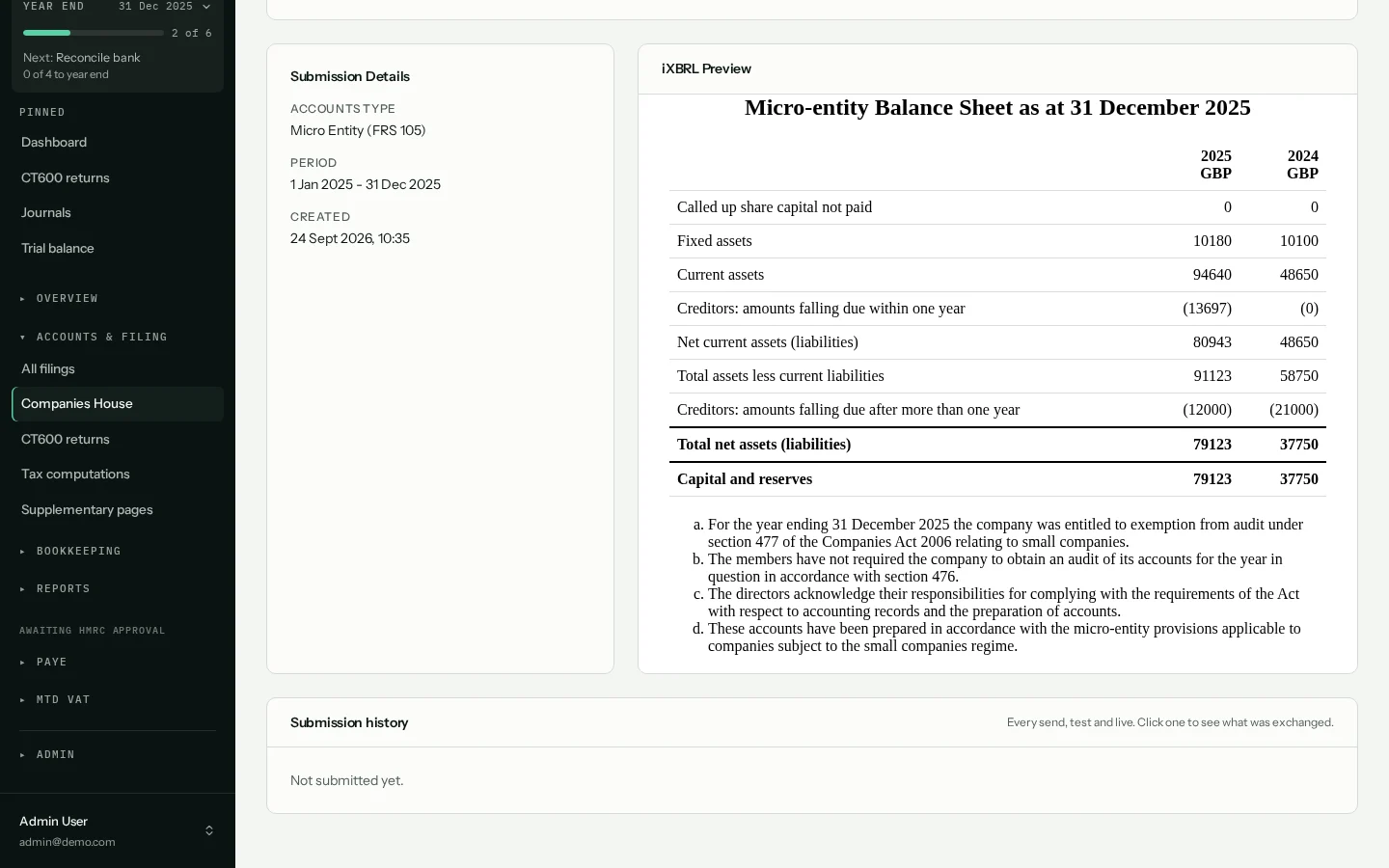
Prepare the statutory accounts
At the year end, choose the type of accounts and A4O Accounts builds them from the books, notes included. Make any adjustments on the filing before you send it.
- Micro-entity, small, full FRS 102, audited and dormant
- Full, filleted or abridged
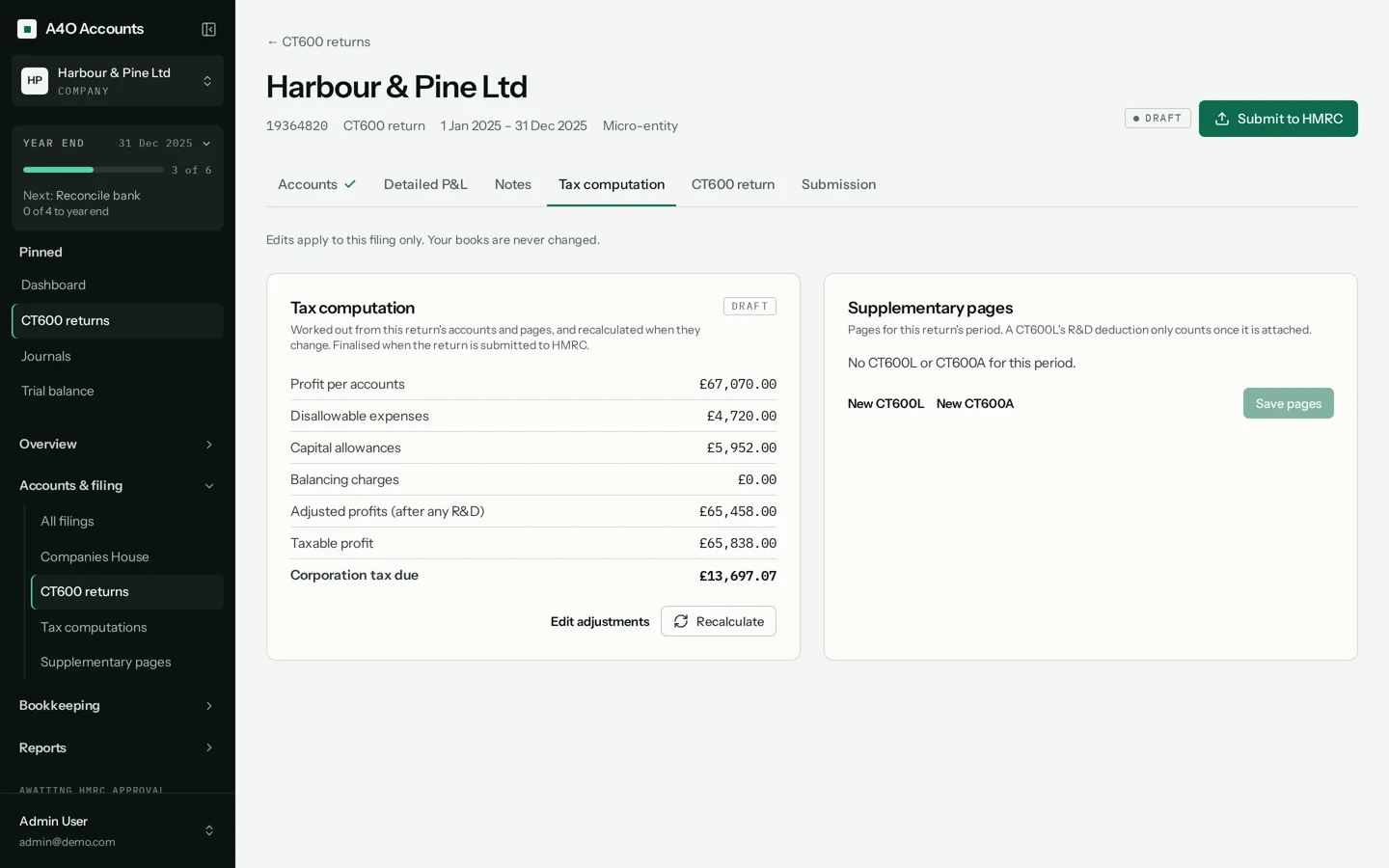
Work out the Corporation Tax
The computation starts from the profit in your accounts. Add-backs, capital allowances and losses are worked through, and the CT600 is filled in from the result.
- Capital allowance pools, AIA and full expensing
- Associated companies and marginal relief
- CT600A and CT600L when they apply
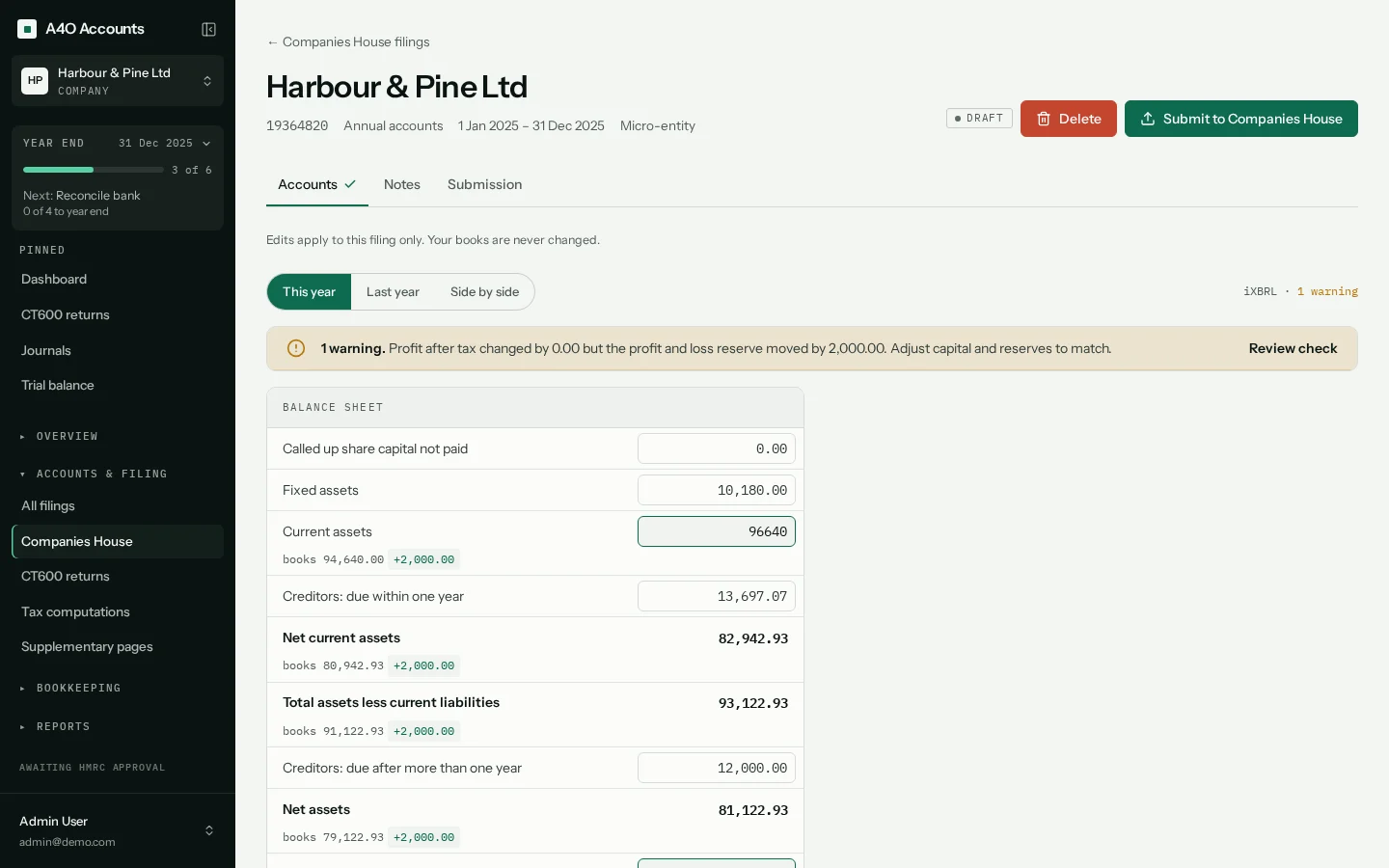
Check before anything is sent
Before you can submit, A4O Accounts checks the filing is ready and tells you what’s holding it up.
- Documents older than your latest change to the books must be rebuilt first
- A balance sheet that doesn’t balance can’t be filed
- The CT600 must match its computation
- Live accounts need the date the board approved them
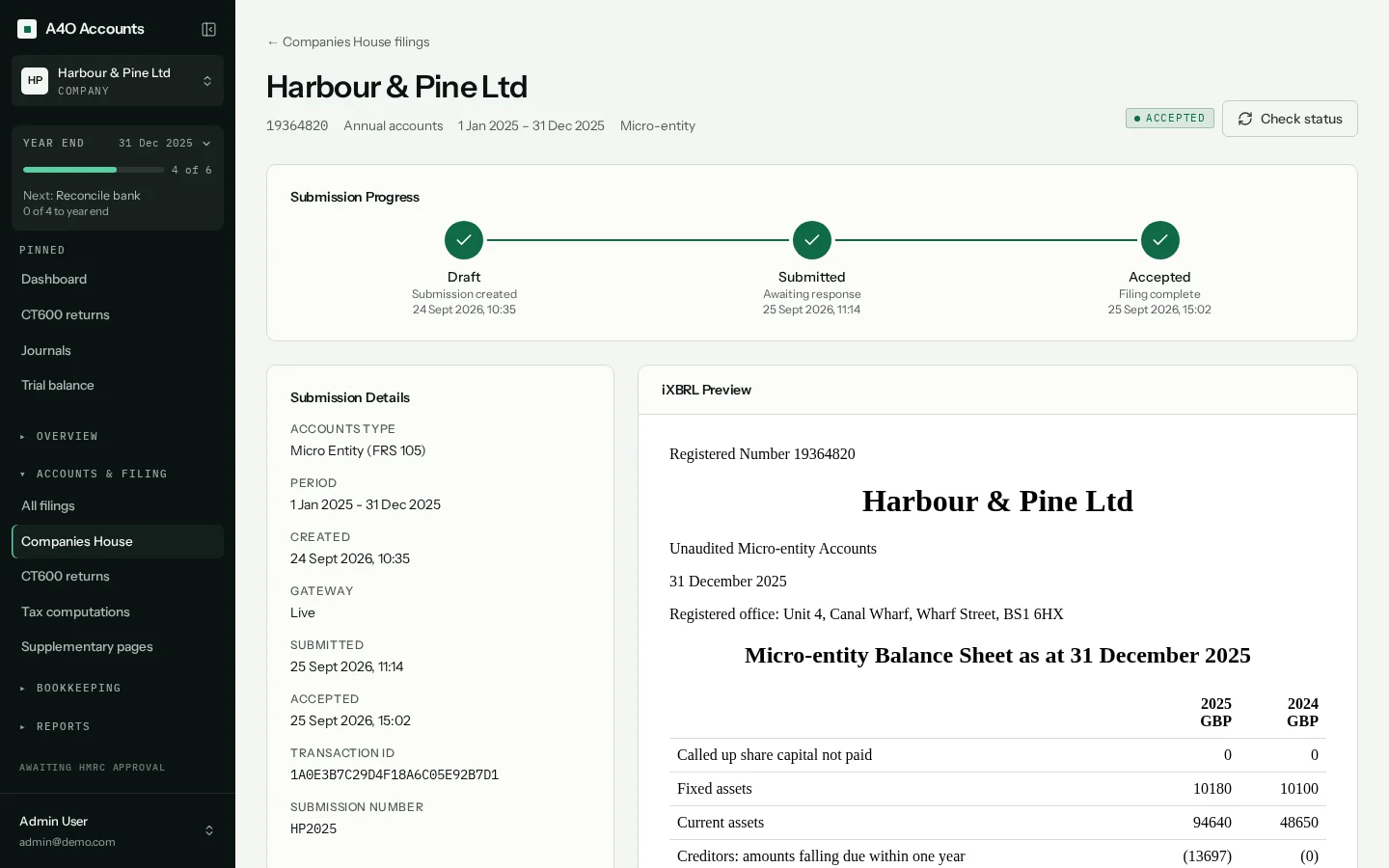
File with Companies House and HMRC
Send a test submission first if you like, then file for real. Accounts go to Companies House, and the CT600 goes to HMRC with the accounts and computation attached.
Rejections come back with the reason, so you can fix and resend. Each submission is kept with the company, with the response from Companies House or HMRC.
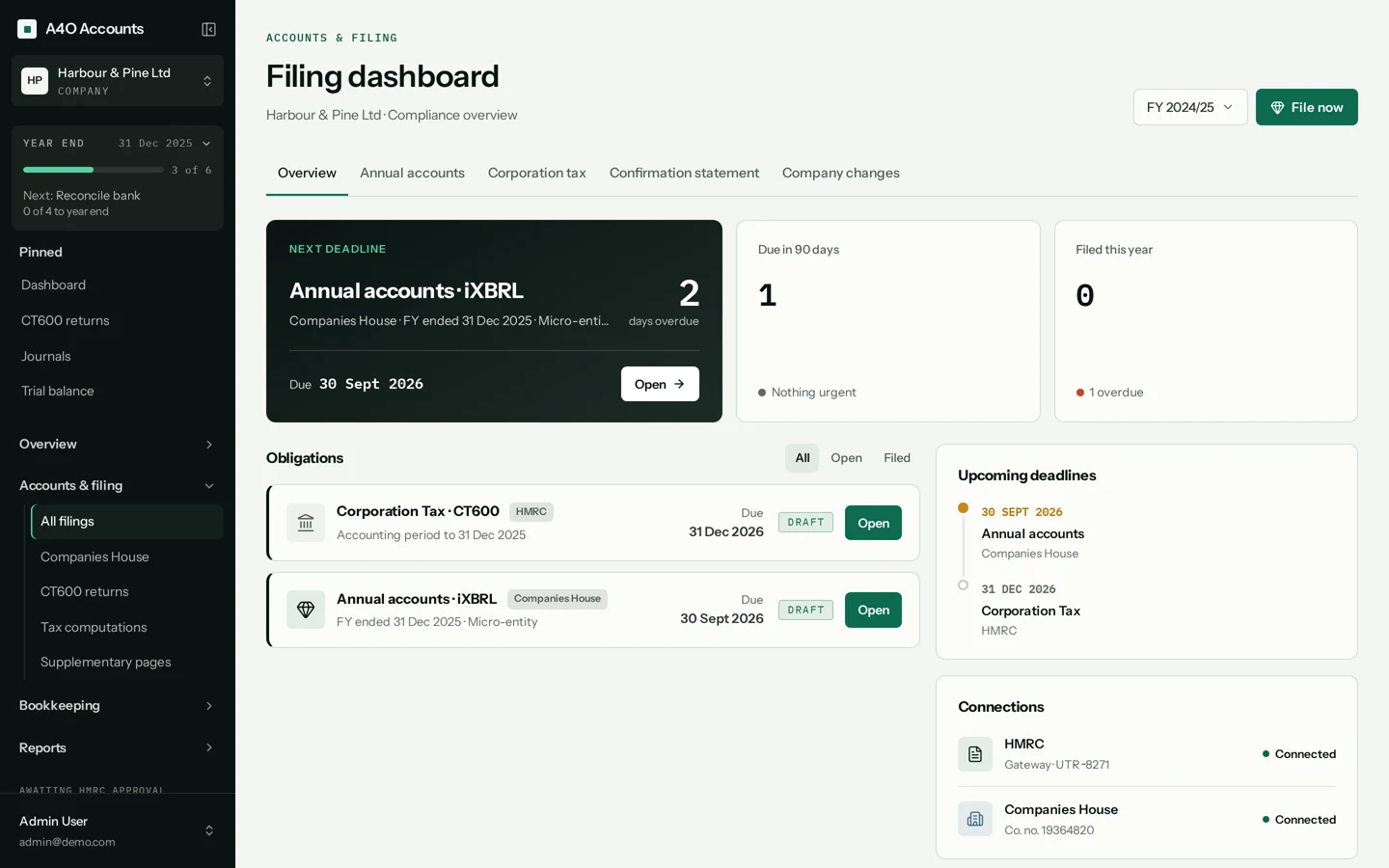
Then keep an eye on what’s next
The filings page shows the next deadline, what’s due in the next 90 days and anything overdue.
Try it on your next filing.
No card required.